[Tour 04] Style Reference
Every element the template styles, on one page.
- Doc no.
- TN-005
- Date
- 2026-10-18
- GMT day
- 2026:291
- Est. read
- 6 min
Each element below is shown as the Typst you write, then as what it renders. Copy a source block with its button and paste it into a post to start from.
01Typography#
Body text is IBM Plex Mono; headings are Rajdhani. Strong text takes the emphasis color, emphasis goes blue, and the two together turn teal however they are nested.
*Strong text*, _emphasis_, and bold italic either way round:
*_strong then emph_* and _*emph then strong*_.
Links look like #link("https://typst.app")[this], inline code like `tola serve`.tola serve.Headings are = for a section and == for a subsection; sections are numbered and listed in the table of contents.
= Section
== Subsection1.1Lists#
- starts a bullet, + a numbered item. Indent a line to nest it.
- Prefer flexible neurons already selected by another token.
- Keep must-keep neurons fixed.

+ Collect per-token masks.
+ Align flexible slots.
+ Take the union.- Prefer flexible neurons already selected by another token.
- Keep must-keep neurons fixed.
- Collect per-token masks.
- Align flexible slots.
- Take the union.
1.2Math#
Write formulas in LaTeX with mi (inline) and mitex (display) from utils/mitex.typ. Inline math sits on the baseline, and display math is centered:
#import "/utils/mitex.typ": mi, mitex

Inline #mi(`a^2 + b^2 = c^2`) sits on the baseline.

#mitex(`\sum_{i=1}^n \lvert m_i \rvert \geq \left| \bigcup_{i=1}^n m_i \right|`)Inline sits on the baseline.
02Blocks#
2.1Callouts#
callout boxes a short message. kind picks the colour and status label: note (the default), info, warning, success or danger. title replaces the label.
#import "/utils/ui.typ": callout

#callout[Callouts default to *note*.]
#callout(kind: "info")[Neutral context with _emphasis_.]
#callout(kind: "warning")[Check the cache before trusting latency numbers.]
#callout(kind: "success", title: [BUILD PASSED])[Custom titles keep the code tag.]
#callout(kind: "danger")[Do not mutate the shared mask in place.]2.2Hints#
hint is an open annotation beside the text rather than a boxed panel.
#import "/utils/ui.typ": hint

#hint[An open engineering annotation: *key term* and _aside_ in mono italic.]2.3Quotes and code#
#quote(block: true)[A plain blockquote for citations.]

```python
def union(masks):
    return set().union(*masks)
```A plain blockquote for citations.
def union(masks):
return set().union(*masks)2.4Columns#
cols sets blocks side by side, such as two versions of the same code, and stacks them on narrow screens. Write each block as a trailing [...]; labels puts one label above each:
#import "/utils/ui.typ": cols

#cols(labels: ([Loop], [Built-in]))[
  ```python
  out = set()
  for m in masks:
      out |= m
  ```
][
  ```python
  out = set().union(*masks)
  ```
]out = set()
for m in masks:
out |= mout = set().union(*masks)Every block shares one row unless columns says how many fit in it:
#cols(columns: 2)[*Channel A*: 1 Hz][*Channel B*: 10 Hz][*Channel C*: 50 Hz][*Channel D*: 100 Hz]03Links Between Posts#
Plain Typst links work with any site path; relative ones also survive a base-path. To link a post by its title, use xref with a permalink or the last segment of one; body overrides the text. Tola checks these links at build time, and xref fails loudly if the post is missing.
#import "/utils/ui.typ": xref

A relative link to #link("../../getting-started/")[the getting-started guide],
a post by its title: #xref("03-cetz-figures"),
and with other text: #xref("03-cetz-figures", body: [this post]).related closes a post with cards for others, by the same names:
#import "/utils/ui.typ": related

#related("03-cetz-figures", "getting-started")04Images#
Put files under assets/images/ and reference them site-absolute. img emits a real <img> tag; Typst’s own image() would inline the file as base64. A PNG or JPEG is served as WebP at a few widths (srcset), with its size reserved on the page so nothing jumps as it loads; SVG and GIF are linked as they are.
img and gallery are figures: each is numbered with the page’s other figures, a caption or not, and a label after it lets the text point at it. The label below is cited as @fig-telemetry, which renders as Figure 1; the link jumps to #fig-telemetry. Typst only uses a label as the anchor when it is a valid HTML id, so write <fig-x> rather than <fig:x>, which still links but as #loc-3.
#import "/utils/ui.typ": img

#img(
  "/assets/images/telemetry.png",
  alt: "Three decaying telemetry curves on a dark grid",
  caption: [Full column width with a caption.],
) <fig-telemetry>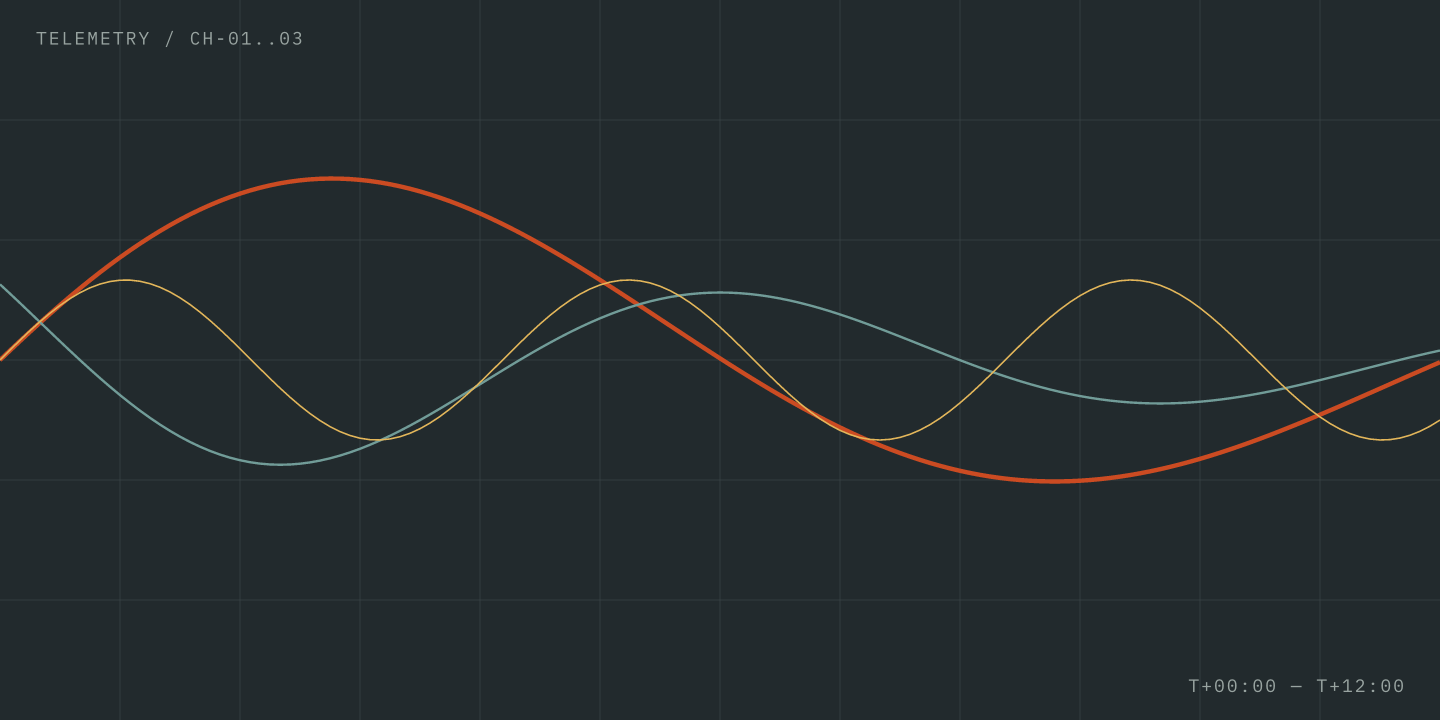
width makes a figure narrower and centers it:
#img("/assets/images/telemetry.png", alt: "Telemetry curves", width: "55%",
caption: [`width: "55%"` centers a smaller figure.])width: "55%" centers a smaller figure.gallery places images side by side. Each is a path, or a (path, label) pair to label it:
#import "/utils/ui.typ": gallery

#gallery(
  columns: 2,
  caption: [`gallery` places images side by side, with optional per-image labels.],
  ("/assets/images/telemetry.png", "Channel A"),
  ("/assets/images/telemetry.png", "Channel B"),
)gallery places images side by side, with optional per-image labels.bleed: true lets a figure reach past the text column on wide screens:
#img("/assets/images/telemetry.png", alt: "Telemetry curves", bleed: true,
caption: [`bleed: true` extends past the text column on wide screens.])bleed: true extends past the text column on wide screens.Plain #figure(...) (a CeTZ drawing, code) is numbered and captioned the same way, and numbering: none on any of them leaves it unnumbered:
#figure(cetz.canvas(...), caption: [...]) <fig-y>
#img("/assets/images/logo.png", numbering: none)   // no number
As @fig-x and @fig-y show, ...05Table#
Tables are numbered on their own count, with the caption above. Put a table in a figure to give it a caption, and label the figure to cite it, as Table 1 is: Typst cannot reference a bare table.
#figure(
  table(
    columns: 3,
    table.header[Strategy][Neurons][Note],
    [Independent], [4], [Each token picks freely],
    [Aligned], [3], [Shares flexible slots],
    [Oracle], [2], [_Lower bound_],
  ),
  caption: [Neurons each routing strategy needs.],
) <tab-strategies>| Strategy | Neurons | Note |
|---|---|---|
| Independent | 4 | Each token picks freely |
| Aligned | 3 | Shares flexible slots |
| Oracle | 2 | Lower bound |
A bare #table(...) gets its number with no caption:
#table(
  columns: 2,
  table.header[Channel][Rate],
  [A], [1 Hz],
  [B], [10 Hz],
)| Channel | Rate |
|---|---|
| A | 1 Hz |
| B | 10 Hz |
To drop the number too, wrap it as #figure(numbering: none, table(...)).